You're viewing the legacy SimpleAlgo V4.1 docs.See the latest V5 documentation
Trend Cloud
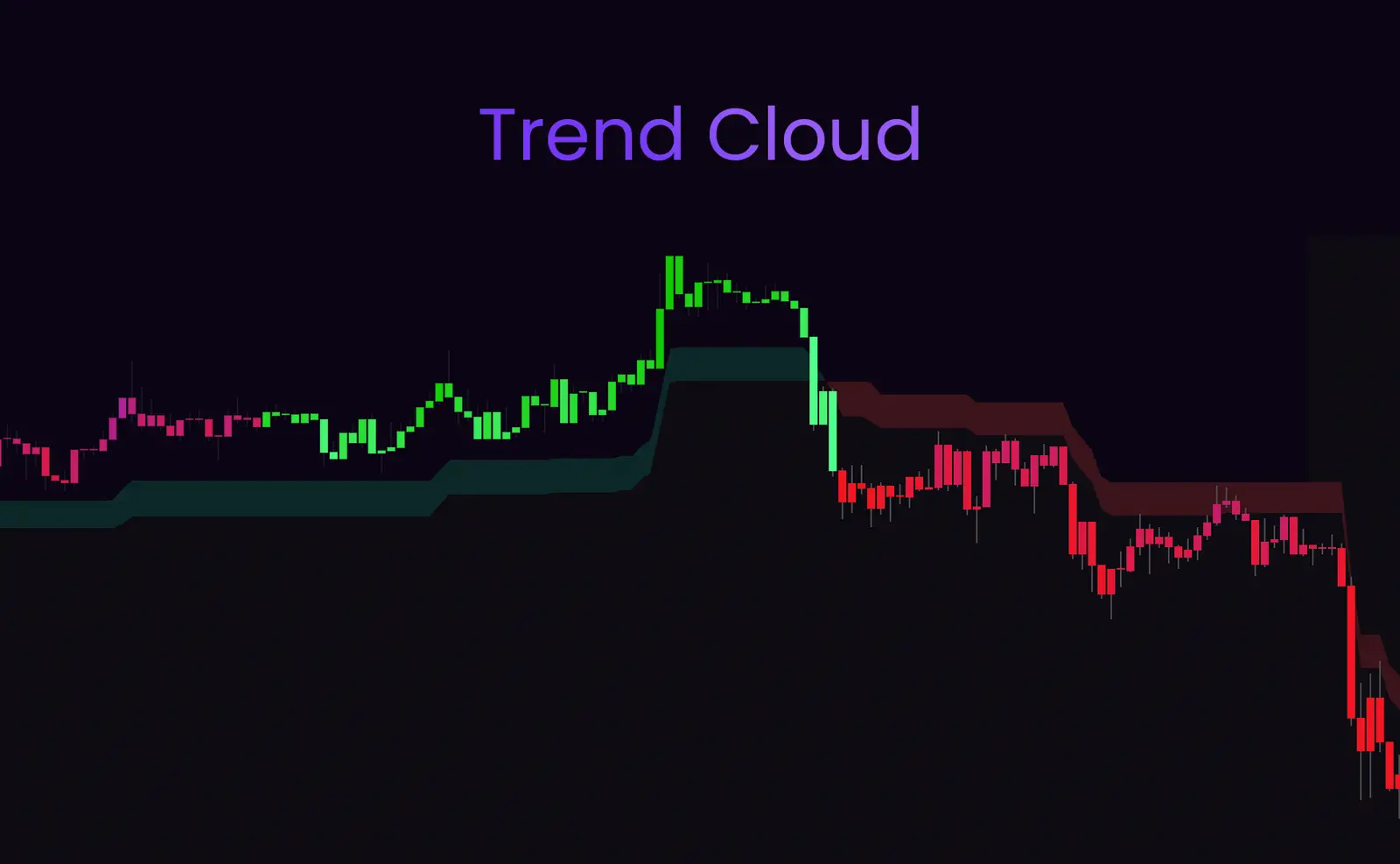
A smoothed volatility-momentum cloud that provides a visual backdrop for directional bias and trend confirmation.
How It Works
↑
Bullish Cloud (Green)
Price above cloud = uptrend bias. Cloud provides dynamic support.
↓
Bearish Cloud (Red)
Price below cloud = downtrend bias. Cloud provides dynamic resistance.
~
Cloud Compression
Thin cloud = consolidation or transition period. Watch for breakout.
✨
Cloud Expansion
Thick cloud = strong momentum and trend acceleration.
Best Used For
- ✓ Determining overall market bias (bullish or bearish)
- ✓ Identifying dynamic support and resistance zones
- ✓ Spotting consolidation periods (compressed cloud)
- ✓ Confirming trend strength (expanded cloud = strong trend)
- ✓ Filtering trades based on price position relative to cloud
Trading with the Cloud
Bullish Setup
Look for buy signals when:
- • Price is above a green cloud
- • Cloud is expanding (trend acceleration)
- • Price bounces off cloud as support
Bearish Setup
Look for sell signals when:
- • Price is below a red cloud
- • Cloud is expanding (trend acceleration)
- • Price rejects from cloud as resistance
💡Pro Tip
Cloud compression often precedes major breakouts. When the cloud narrows significantly, prepare for a potential explosive move. Combine this with consolidation patterns for high-probability setups.