Active Trend
The Active Trend visual overlay helps you understand the current market direction and strength at a glance. Unlike static indicators, this dynamically adjusts its display based on momentum shifts and volatility conditions.
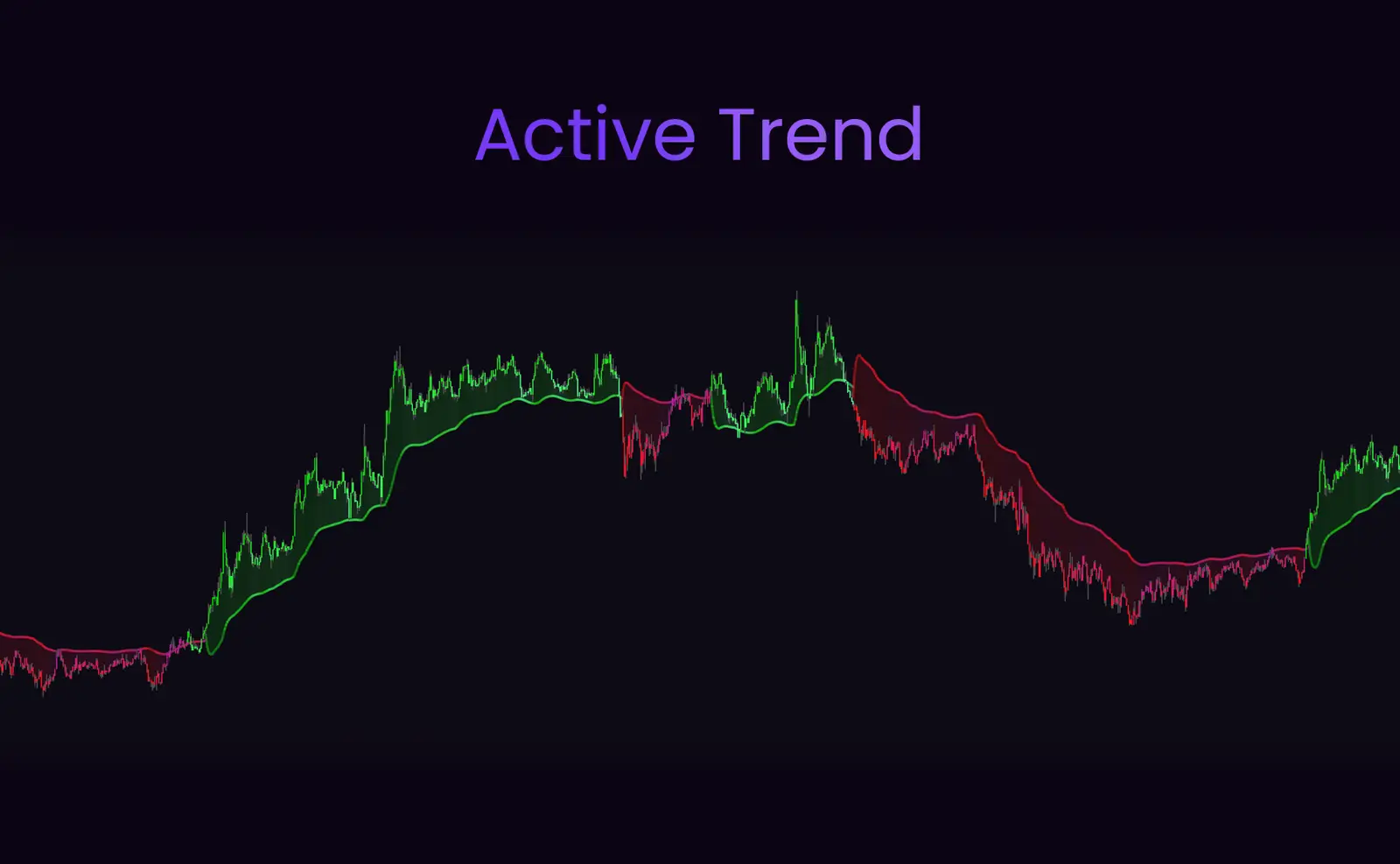
Trend States
Strong Uptrend
Consistent green coloration
Strong Downtrend
Consistent red coloration
Transition/Weak
Mixed or neutral colors
Best Used For
- ✓ Quickly visualizing the current directional bias
- ✓ Filtering trades (only long in green, only short in red)
- ✓ Spotting trend transitions (color changes)
- ✓ Combining with Trend Cloud for maximum confluence
Trading Strategies
Trend-Following Strategy
Only take buy signals when Active Trend is green, and only take sell signals when Active Trend is red. This filters out counter-trend signals and keeps you aligned with momentum.
Counter-Trend Strategy
Watch for color transitions as potential reversal signals. When Active Trend shifts from red to green (or vice versa), it may indicate a trend change—especially if confirmed by reversal diamonds or structure breaks.
💡Pro Tip
Use higher timeframes to determine the dominant Active Trend, then drop down to lower timeframes for precise entries in the same direction. This multi-timeframe approach dramatically improves win rates.