Introducing Liquidity Master: A Free Indicator That Maps the Order Book on Your Chart
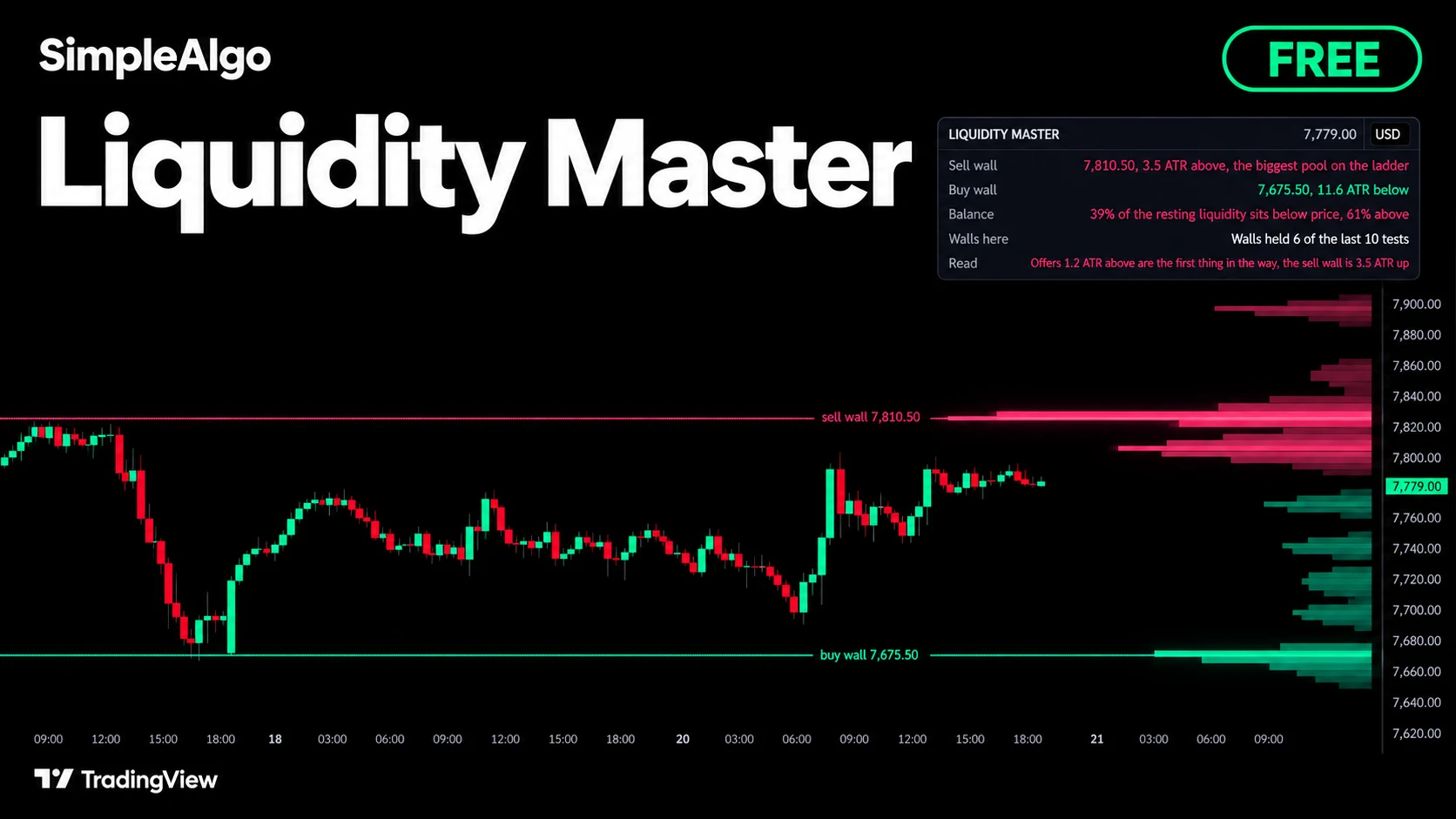
Liquidity Master is a new free, open-source TradingView indicator. It maps where stops and resting orders sit, draws them as a depth ladder beside price, and keeps score of how the biggest walls hold.
Introducing Liquidity Master: A Free Indicator That Maps the Order Book on Your Chart
We just released Liquidity Master, a free and open-source indicator on TradingView.
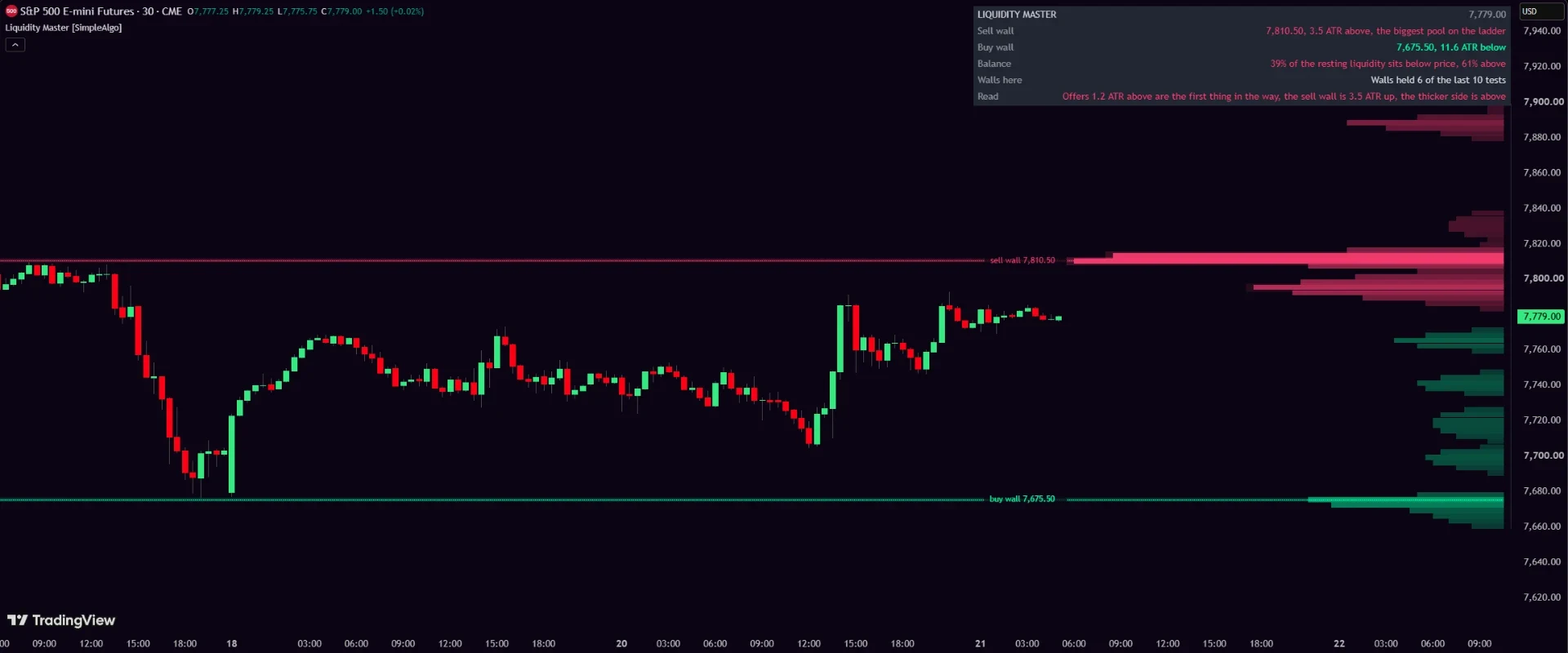
Most charts show you where price has been. They don't show you where the orders are. Stops rest just past every swing high and swing low, and the bids and offers that absorbed a push show themselves in the wicks that got rejected. Liquidity Master maps all of it and draws what is left as a depth ladder beside price: bids below in one colour, offers above in another. The longer the bar, the more is resting there.
Pools that spend and age out
This isn't a static map. When price trades all the way through a pool, that liquidity is spent and the pool comes off the ladder. Pools also fade with time, because orders get pulled: half of a pool is gone after 300 bars by default. The ladder always shows what is left, not what once was.
The walls, named and tracked
The biggest pool on each side of price gets a name and a line: the sell wall above and the buy wall below, each labelled with its price. When price reaches a wall, the test is judged on closes. Back off and the wall held. Close through and it broke.
The panel keeps the score
The corner panel shows both walls and how far away they are in ATRs, the balance (what share of the resting liquidity sits below price versus above), and the record: how many of the last ten wall tests on this chart held. A wall that usually holds is a different level from one that usually breaks. The Read row says it in one plain line, such as "Offers 1.2 ATR above are the first thing in the way, the sell wall is 3.5 ATR up."
Four alerts cover the events: sell wall reached, buy wall reached, wall held and wall broke. Set them to Once per bar close.
One honest limit: the ladder is built from what the chart shows, swings and rejected wicks. It maps where orders likely rest, not where they must, and it doesn't connect to any exchange's real order book.
Get it
Liquidity Master is free for everyone, no membership needed. Add it on TradingView, or see it with the rest of our free and premium indicators.
Want every setting, the panel and the alerts explained? Read the full Liquidity Master guide in the docs.
SimpleAlgo provides educational tools and chart analysis. Nothing here is financial advice. Trading involves substantial risk of loss, and past performance does not guarantee future results.

Written by
Nikolas MetreveliFounder of SimpleAlgo
Nikolas wrote his first real code at 12 and freelanced software tools and websites for small businesses before finding the markets at 15. He builds and maintains every SimpleAlgo indicator and writes these guides from hands-on use of the tools.
More about Nikolas and SimpleAlgoRelated Articles
Introducing Fibonacci Master: A Free Auto Fibonacci Indicator That Keeps Score
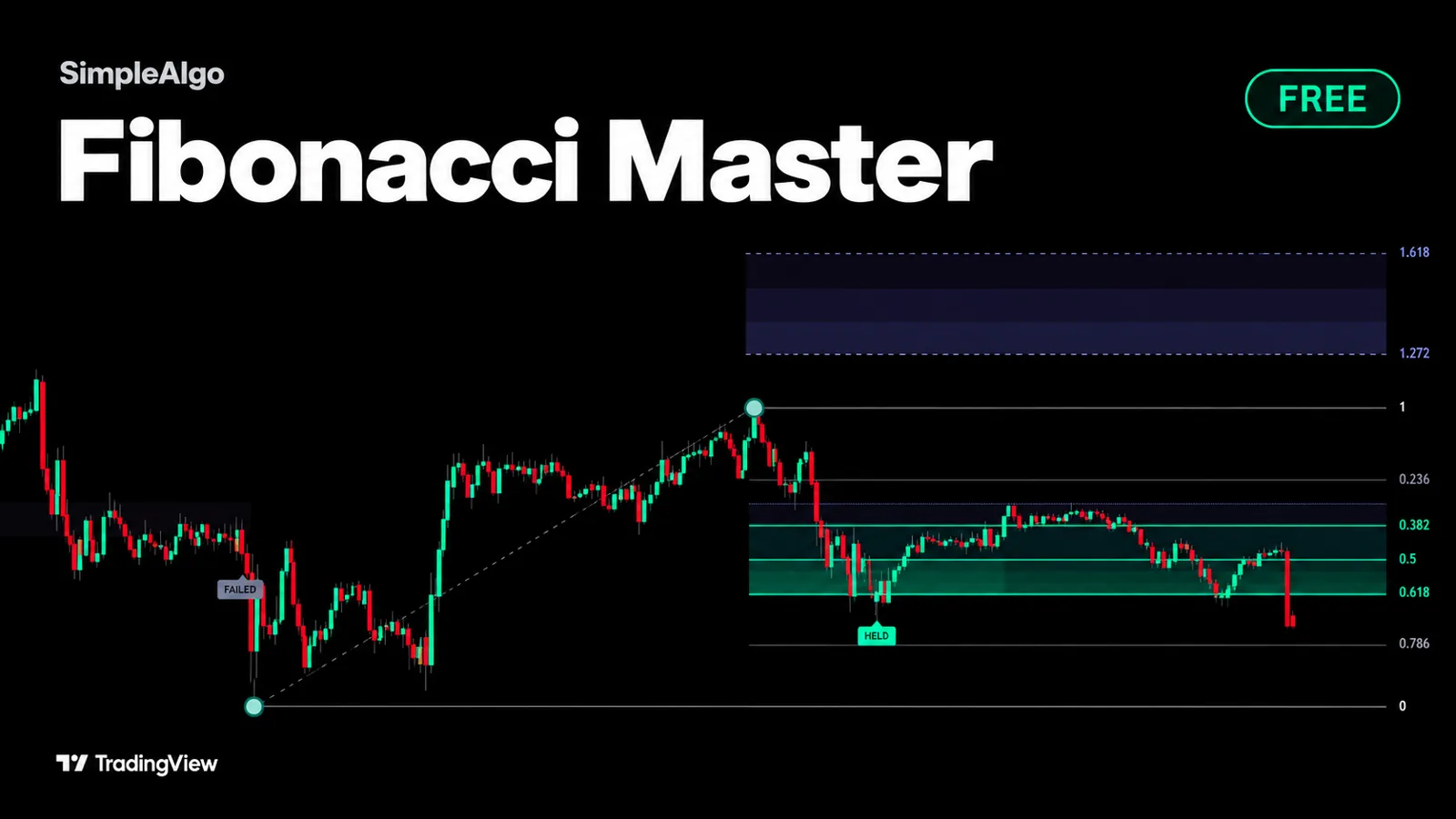
Fibonacci Master is a new free, open-source TradingView indicator. It draws the retracement for you, lights up the 0.5 to 0.618 zone, and measures where pullbacks actually end on your chart.
Introducing Pullback Master: A Free Indicator That Counts and Grades Pullbacks
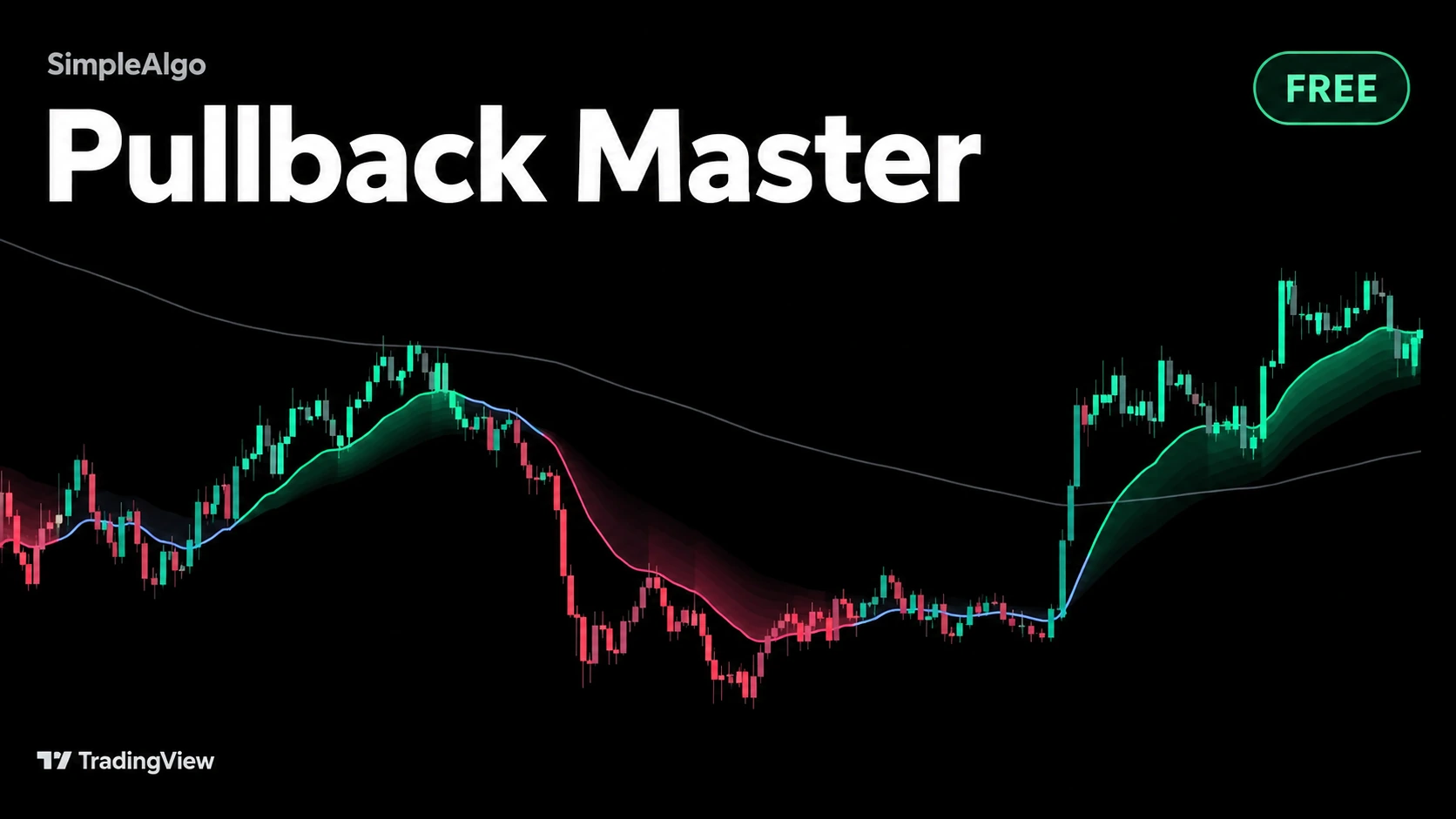
Pullback Master is a new free, open-source TradingView indicator. It finds the trend, counts every pullback that holds inside it, and tells you how deep each one went.
Introducing RSI Master: A Free RSI Indicator That Shows the Price
RSI Master is a new free, open-source TradingView indicator. It draws the exact prices where overbought and oversold begin, right on your chart.
Related tools and guides
Next steps on this topic from the rest of the SimpleAlgo library.