Introducing Pullback Master: A Free Indicator That Counts and Grades Pullbacks
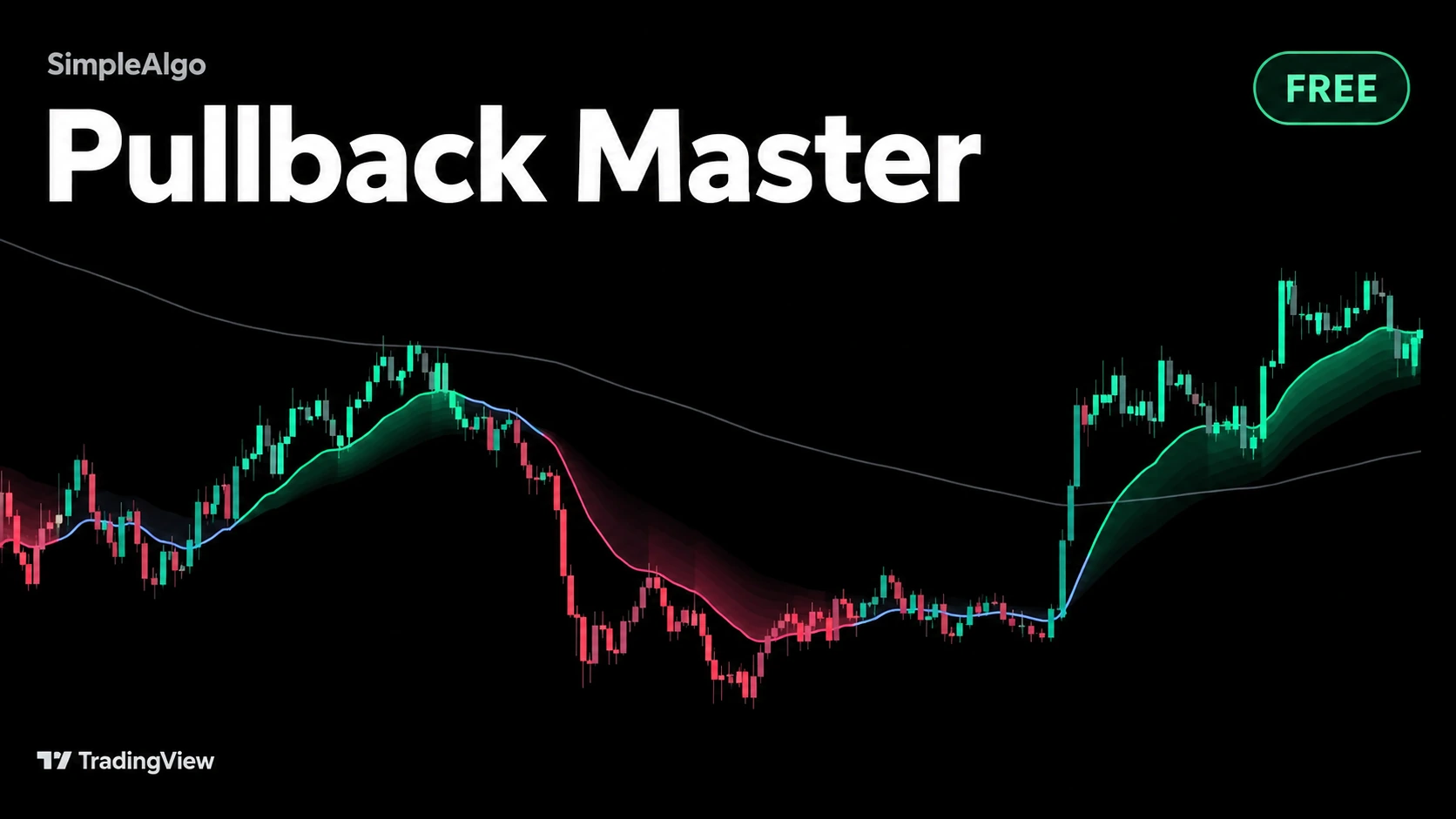
Pullback Master is a new free, open-source TradingView indicator. It finds the trend, counts every pullback that holds inside it, and tells you how deep each one went.
Introducing Pullback Master: A Free Indicator That Counts and Grades Pullbacks
We just released Pullback Master, a free and open-source indicator on TradingView.
Pullback Master is one of the five free indicators covered in this walkthrough, starting at 0:30.
- Pullback Master (0:30): spotting pullbacks inside a trend
- RSI Master (2:51): reading momentum more clearly
- VWAP Master (4:23): where fair value sits during the session
- Trend Master (6:36): filtering out chop by trend direction
- Reversal Master (7:48): seeing when a move is stretched
Every trend trader waits for the same thing: price coming back to the trend and lifting off again. The hard part is everything around it. Is there really a trend here? Is this the first pullback or the fifth? Did the last one hold cleanly, or did price close through the average and scrape back? Pullback Master answers all of that on the chart.
A trend average and a fan behind it
The trend average is price smoothed over 20 bars. Behind it, a fan of seven slower averages opens up when the market trends and folds together when it chops. A trend only counts when the trend average is rising or falling steeply enough, the fan has opened behind it, and price closes on the right side. If price has crossed the average more than twice in the last 20 bars, the market is choppy and the script stands aside.
Every pullback, counted
Each time price comes back to the trend average and then closes back on the trend side with a candle in the trend's direction, that's a pullback that held. The script counts it, measures how far past the average it went in ATRs, and notes whether it closed through the average on the way.
The ribbon tells you the count
There are no labels on the chart. The ribbon itself shows where you are in the trend: it charges up with each pullback that holds, is brightest around the second and third, and fades again as the trend gets old. While price is at the average the ribbon glows, and the glow dies away over the next bars, so every pullback leaves a soft mark behind it.
The panel says it in words
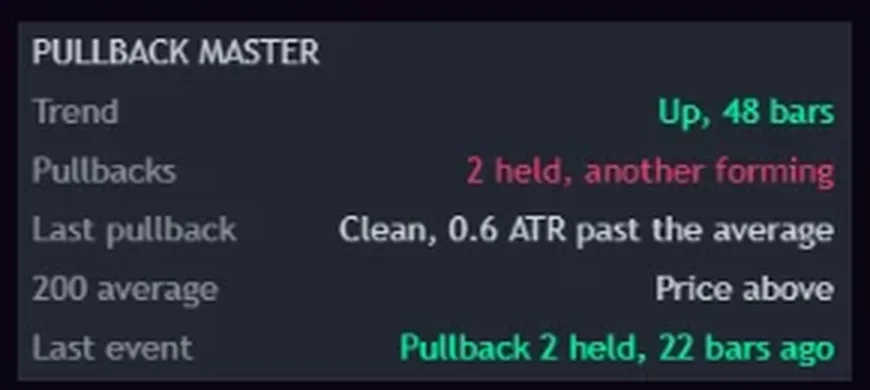
The corner panel shows the trend and how many bars it has run, how many pullbacks have held (and whether they are getting deeper or shallower), how the last pullback went, where price sits against the 200 average, and the last event.
Alerts cover a new uptrend or downtrend, any pullback that held, the trend ending, and one pullback number of your choice, so you can be told about only the second or third pullback of a trend. Everything is decided on closed bars.
Get it
Pullback Master is free for everyone, no membership needed. Add it on TradingView, or see it with the rest of our free and premium indicators.
Want every setting, the panel and the alerts explained? Read the full Pullback Master guide in the docs.
SimpleAlgo provides educational tools and chart analysis. Nothing here is financial advice. Trading involves substantial risk of loss, and past performance does not guarantee future results.
Filed under

Written by
Nikolas MetreveliFounder of SimpleAlgo
Nikolas wrote his first real code at 12 and freelanced software tools and websites for small businesses before finding the markets at 15. He builds and maintains every SimpleAlgo indicator and writes these guides from hands-on use of the tools.
More about Nikolas and SimpleAlgoRelated Articles
Introducing Stream Master: A Free Trend Indicator Drawn as a River
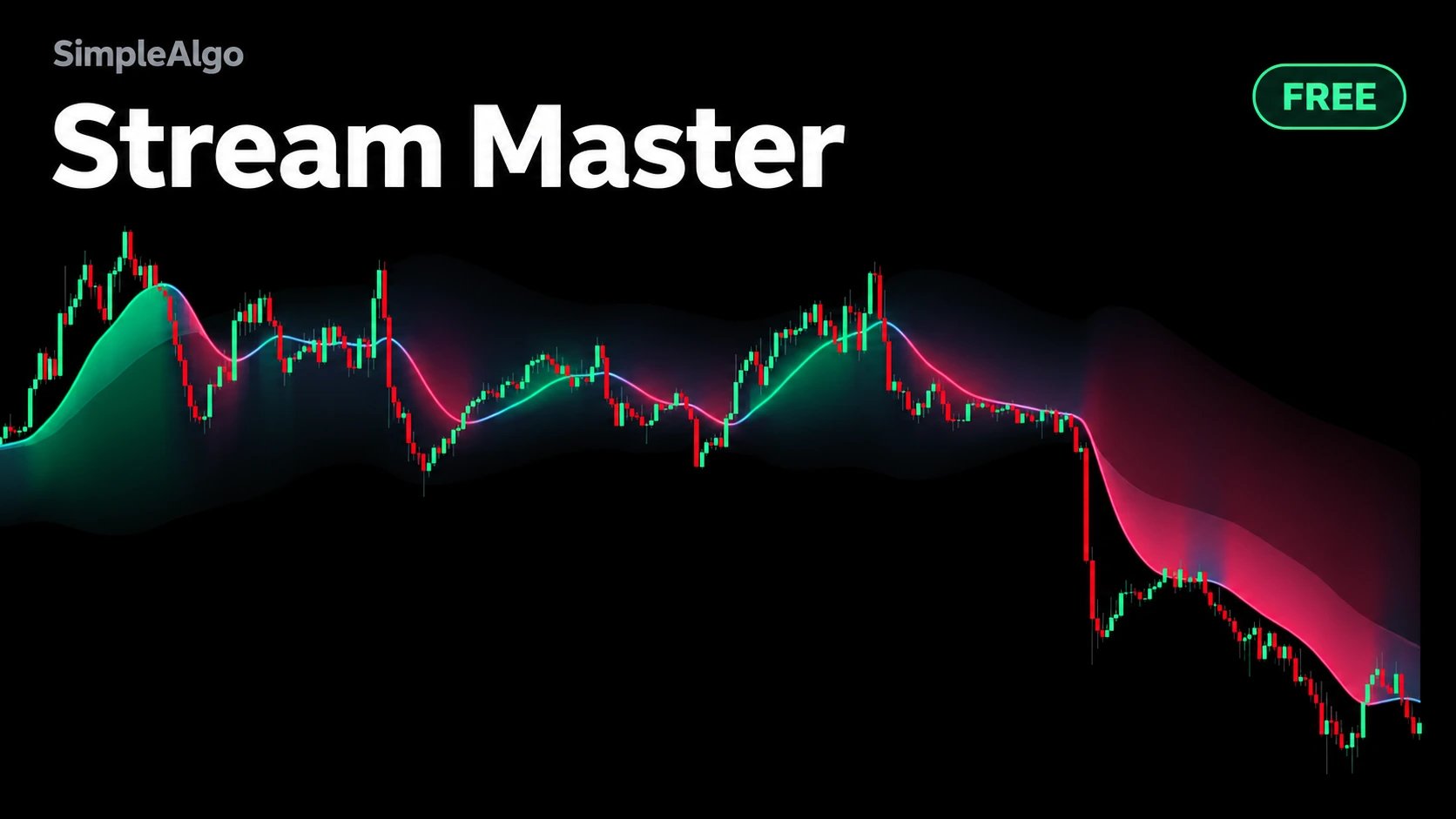
Stream Master is a new free, open-source TradingView indicator. It shows which way the market flows, how hard, how deep a turn has gone and how long the move has run.
Introducing Profile Master: A Free Volume Profile That Moves With the Chart
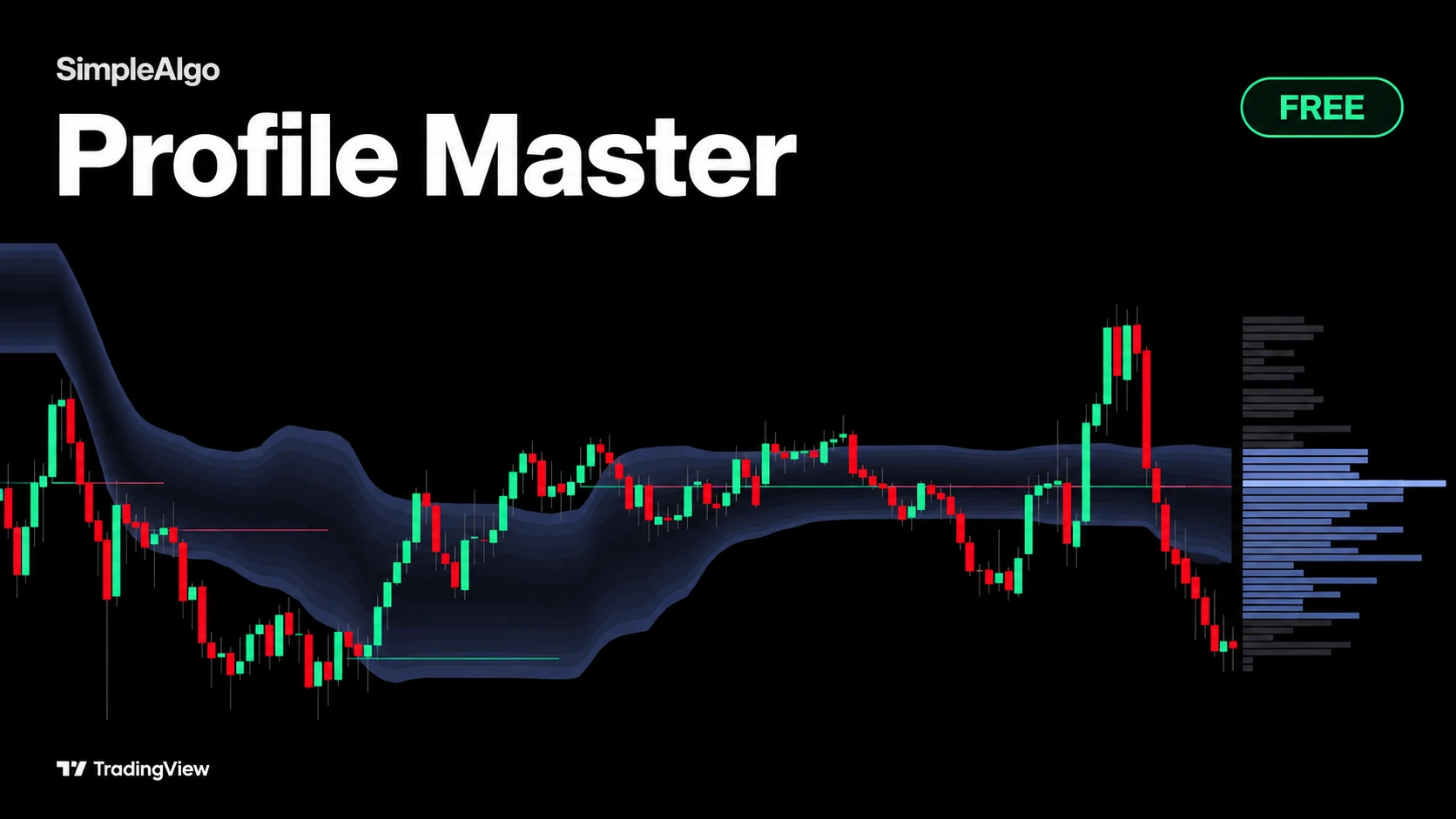
Profile Master is a new free, open-source TradingView indicator. It draws the value area as a cloud that travels with price, so you can see where the market is doing business and how value moves.
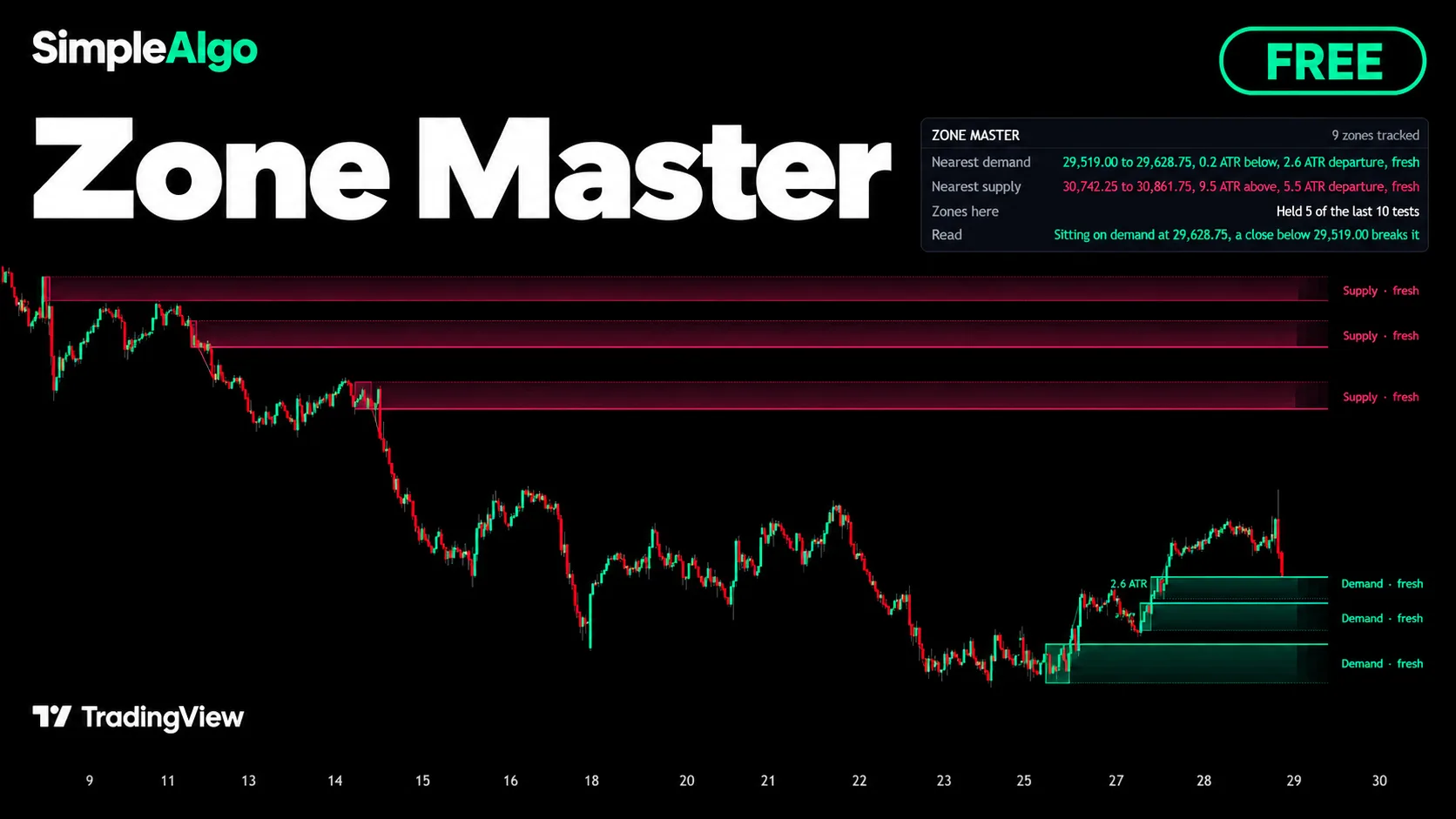
Introducing Zone Master: Free Supply and Demand Zones, Kept Honest
Zone Master is a new free, open-source TradingView indicator. It finds supply and demand zones, tracks how each one is tested and spent, and keeps score of how zones hold on your chart.
Related tools and guides
Next steps on this topic from the rest of the SimpleAlgo library.