How to Set Up TradingView Alerts for Pro Signals V5
Get every signal, target and stop on your phone with one alert, or set up separate Buy, Sell, Target and Stop alerts. Includes JSON webhooks.
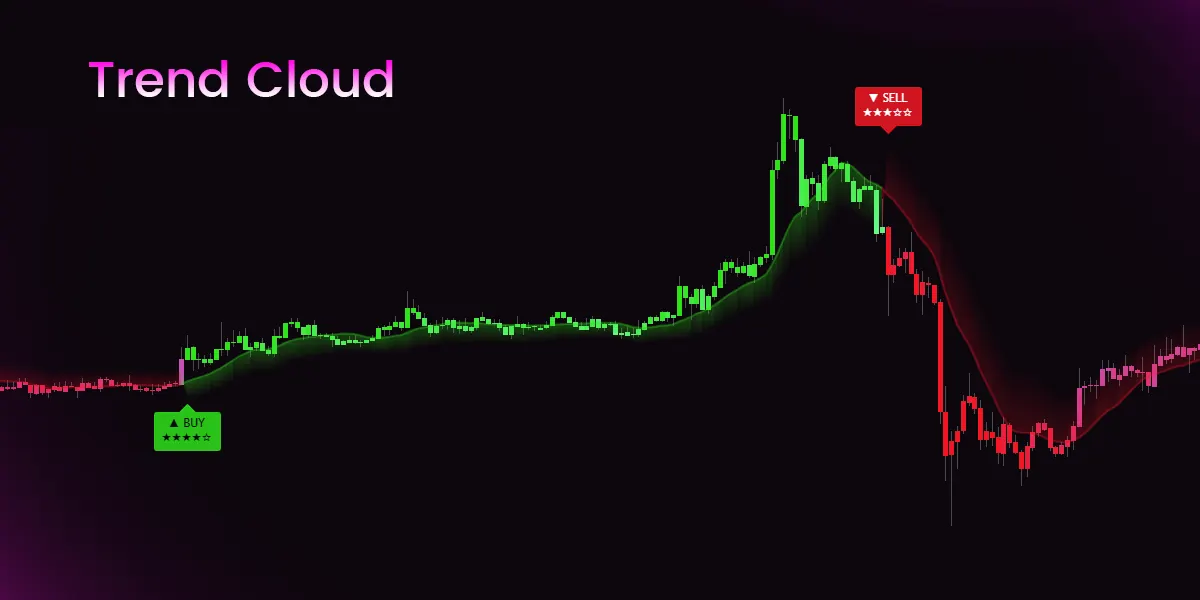
How to Set Up TradingView Alerts for Pro Signals V5
You don't need to watch charts all day. Pro Signals V5 can send every signal, target and stop straight to your phone.
Option 1: one alert for everything
That one alert carries signals (with stars, entry, stop and all three targets), targets reached, stops hit, exit flags, trend flips, higher timeframe trend changes, reversal band touches and structure breaks. It fires once per candle close, only when something happens.
A text alert looks like this:
Pro Signals: BUY ★★★★☆ on EURUSD 1H at 1.0842 · SL 1.0801 · TP1 1.0883 · TP2 1.0924 · TP3 1.0965
Option 2: separate alerts
Pick Buy Signal, Sell Signal, Target Reached or Stop Hit as the condition instead.
JSON for webhooks
Set Alert messages to "JSON for webhooks" under Display. Each alert sends one object with an events array, so a bot never has to parse sentences.
Two things to remember
Full details: Alerts in the docs.
SimpleAlgo provides educational tools and chart analysis. Nothing here is financial advice. Trading involves substantial risk of loss, and past performance does not guarantee future results.

Written by
Nikolas MetreveliFounder of SimpleAlgo
Nikolas wrote his first real code at 12 and freelanced software tools and websites for small businesses before finding the markets at 15. He builds and maintains every SimpleAlgo indicator and writes these guides from hands-on use of the tools.
More about Nikolas and SimpleAlgoRelated Articles
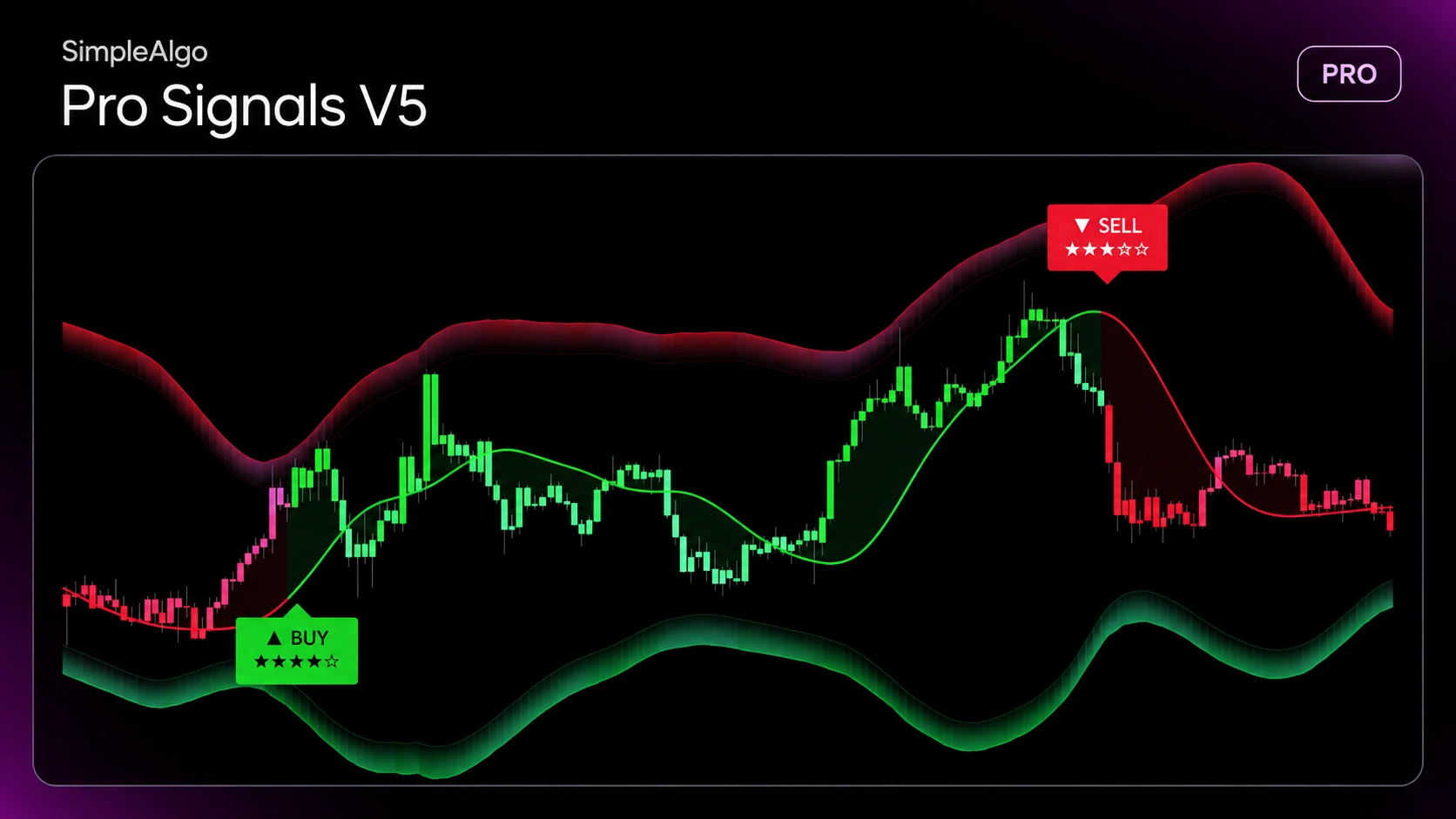
Pro Signals V5 Update: Star-Rated Signals, the Why, and a Built-In Trade Plan
The biggest update to Pro Signals V5 yet. Every signal now comes with a 5-star rating, the reasons behind it, and a stop with three targets. Here's everything that changed.
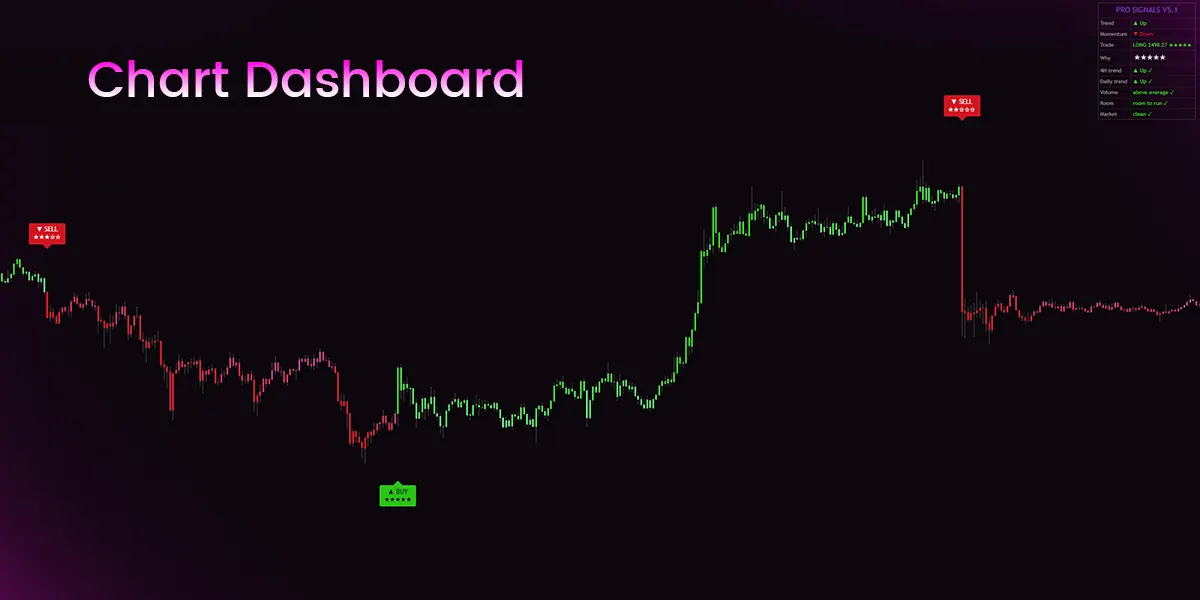
Reading the Pro Signals V5 Chart Dashboard, Row by Row
Trend, momentum, the open trade, its stars and the five checks: what every row of the Pro Signals V5 Chart Dashboard tells you.

How to Automate TradingView Indicators with Alerts and Webhooks
Turn indicator conditions into automated actions using TradingView alerts and webhooks — what is possible, what is not, and the safe way to set it up.
Related tools and guides
Next steps on this topic from the rest of the SimpleAlgo library.