How to Use TradingView for Day Trading: A Complete Setup Guide
The full day trading setup on TradingView — chart layout, timeframes, indicators, hotkeys, alerts and a repeatable session routine.
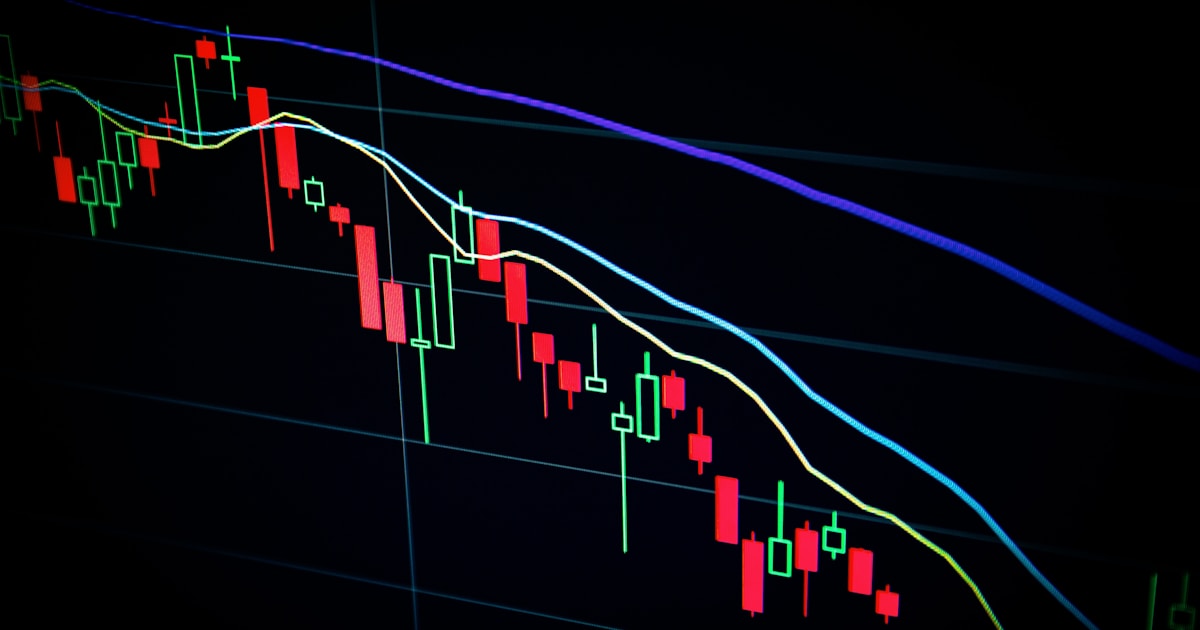
How to Use TradingView for Day Trading
TradingView is the most-used charting platform in retail trading, but out of the box it is a blank canvas. This is a complete, opinionated day trading setup you can build in about twenty minutes.
1. Build a multi-chart layout
Day trading is a multi-timeframe job. Use a 2×2 layout (paid plans) or two browser windows on free:
Turn on symbol sync so changing the ticker changes all four charts at once.
2. Set the session and time zone correctly
Set your chart time zone to the exchange's time zone, not your own. Enable Extended hours for equities if you trade pre-market, and turn on session breaks so you can see where each day starts.
Half of intraday "weird price action" is someone reading a chart in the wrong session.
3. Choose three indicators — not eight
A workable intraday stack:
Add volume, which is free and does not consume an indicator slot on the volume pane. Anything beyond this is usually decoration. See best indicator for day trading for the reasoning.
Free account? You get two indicator slots per chart — see the plan limits.
4. Mark your levels before the open
Ten minutes of preparation beats an hour of reacting:
Draw them as horizontal lines and leave them there. Price reacts at levels, and you want them drawn before you have a position influencing your judgement.
5. Learn five hotkeys
| Action | Shortcut |
|---|---|
| Indicator search | / |
| Add alert | Alt/Option + A |
| Trend line | Alt/Option + T |
| Horizontal line | Alt/Option + H |
| Save layout | Ctrl/Cmd + S |
Speed matters intraday, and reaching for menus mid-move costs entries.
6. Replace screen-staring with alerts
Set alerts at your marked levels and on your entry conditions rather than watching every tick. Use Once Per Bar Close to avoid wick triggers. Full detail: how to set up TradingView alerts.
7. Use the replay tool to practise
Bar Replay (toolbar, top-right) rewinds any chart and steps forward candle by candle. An hour of replay on yesterday's session teaches more about your setup than a week of reading.
8. A repeatable session routine
The last step is the one that actually improves results.
Frequently Asked Questions
Is TradingView good for day trading?
Yes. Its intraday charting, alerting and multi-chart layouts cover everything a discretionary day trader needs, though live data for some exchanges requires a paid data subscription.
Do I need a paid TradingView plan to day trade?
You can day trade on the free plan, but you are limited to two indicators per chart, a single chart per layout, and fewer alerts — most active intraday traders eventually upgrade.
What timeframes should a day trader use on TradingView?
A common combination is daily for trend context, 1 hour for levels, 5 minute for decisions, and 1 minute for execution.
How do I practise day trading on TradingView?
Use Bar Replay to step through historical sessions candle by candle, and TradingView's paper trading account to place simulated orders.
Cutting the setup time
Everything above is manual: levels drawn by hand, trend judged by eye, entries called on the fly. SimpleAlgo does that part automatically — an adaptive trend filter, marked levels and confirmed entry signals on one overlay, plus a scanner that surfaces the setups across your watchlist. It installs on TradingView instantly once your username is connected, from $5.77/week on the annual plan, with a 7-day money-back guarantee. See the full setup.
Filed under

Written by
Nikolas MetreveliFounder of SimpleAlgo
Nikolas wrote his first real code at 12 and freelanced software tools and websites for small businesses before finding the markets at 15. He builds and maintains every SimpleAlgo indicator and writes these guides from hands-on use of the tools.
More about Nikolas and SimpleAlgoRelated Articles

Best Indicator for Day Trading: What Actually Works in 2026
An honest comparison of the indicators day traders actually rely on — VWAP, volume profile, adaptive trend filters and momentum — and how to combine three of them.

How to Set Up TradingView Alerts That Actually Fire
Price alerts, indicator alerts, and alert conditions explained — plus the settings that stop your alerts firing late, twice, or not at all.
How to Add an Indicator on TradingView (Step by Step)
The exact steps to add any indicator to your TradingView chart — built-in, community, and invite-only scripts — on desktop and mobile.
Related tools and guides
Next steps on this topic from the rest of the SimpleAlgo library.