How to Use TradingView Bar Replay to Practise Trading
Step through past sessions candle by candle to practise entries, test a setup and build screen time without risking money.
How to Use TradingView Bar Replay to Practise Trading
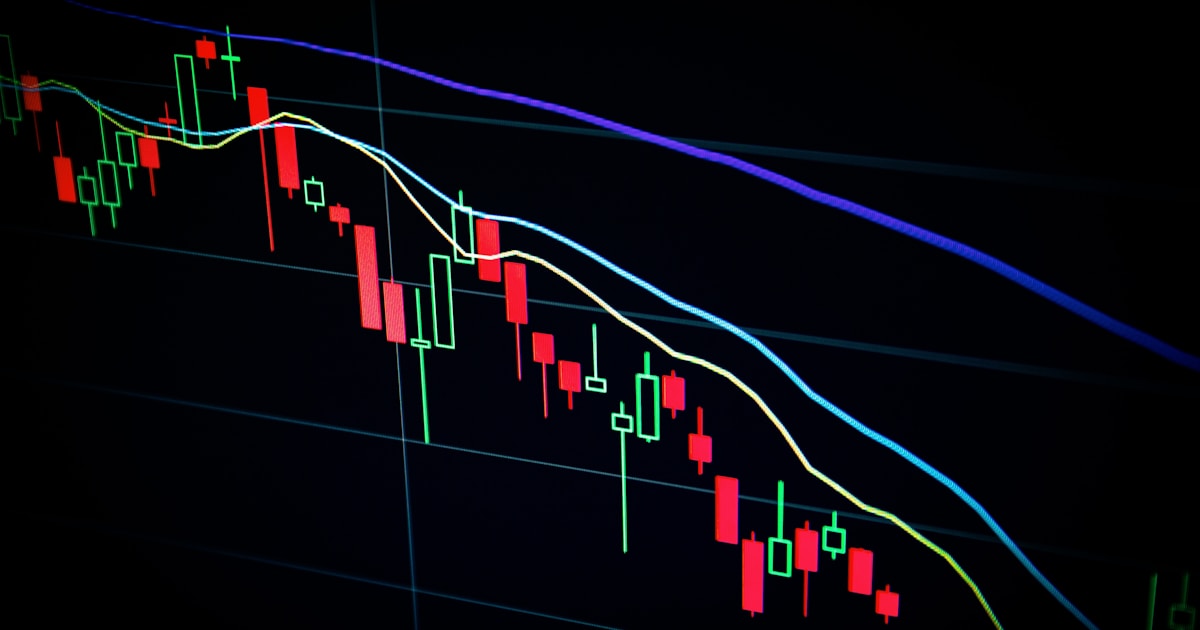
Bar Replay hides the future and walks a chart forward one candle at a time. It is the cheapest screen time you will ever get.
Start a replay session
Keyboard shortcut: with replay active, the right arrow steps forward one bar.
Practise properly
Stepping bars without a process is just watching TV. Do this instead:
The log is the point. Thirty recorded decisions tell you more about your edge than a year of casual chart watching.
Limitations to know about
Bar Replay vs backtesting vs paper trading
Bar Replay   → tests your judgement, one decision at a time.
Strategy Tester → tests mechanical rules over thousands of bars.
Paper trading   → tests execution and discipline in real time.
You want all three, in that order. Judgement first, rules second, execution last.
Frequently Asked Questions
Is TradingView Bar Replay free?
Yes, on daily and higher timeframes. Intraday bar replay requires a paid TradingView plan.
Can I use indicators during bar replay?
Yes. Indicators recalculate as bars are revealed, which is a good way to see whether a script repaints — if signals appear on candles that already passed, it does.
Does bar replay simulate orders?
No. It advances the chart only. Pair it with TradingView's paper trading account if you want simulated fills and a running P&L.
How much replay practice is useful?
Aim for a written log of at least 30-50 replayed trades before judging a setup. Fewer than that is noise.
Practising with the signals you will actually trade
If you want to replay a setup, it helps if the setup is fixed rather than improvised. SimpleAlgo's entry signals are non-repainting, so they appear during replay at the exact candle they would have fired live — which makes replay a fair test rather than a flattering one. Access starts from $5.77/week on the annual plan, with a 7-day money-back guarantee. See the signals.
Filed under

Written by
Nikolas MetreveliFounder of SimpleAlgo
Nikolas wrote his first real code at 12 and freelanced software tools and websites for small businesses before finding the markets at 15. He builds and maintains every SimpleAlgo indicator and writes these guides from hands-on use of the tools.
More about Nikolas and SimpleAlgoRelated Articles

How to Backtest a Strategy on TradingView
Use the Strategy Tester properly — commissions, slippage, sample size and the settings that turn an impressive backtest into an honest one.
How to Use TradingView for Day Trading: A Complete Setup Guide
The full day trading setup on TradingView — chart layout, timeframes, indicators, hotkeys, alerts and a repeatable session routine.

How to Use TradingView Paper Trading (Full Setup Guide)
TradingView's built-in paper account lets you place, manage and review orders on live charts for free. Here's how to set it up and how to keep the results meaningful.
Related tools and guides
Next steps on this topic from the rest of the SimpleAlgo library.