How the Pro Signals V5 5-Star Signal Rating Works
Five checks, one star each. What every star in Pro Signals V5 means, which higher timeframes it reads, and how to actually use the rating.
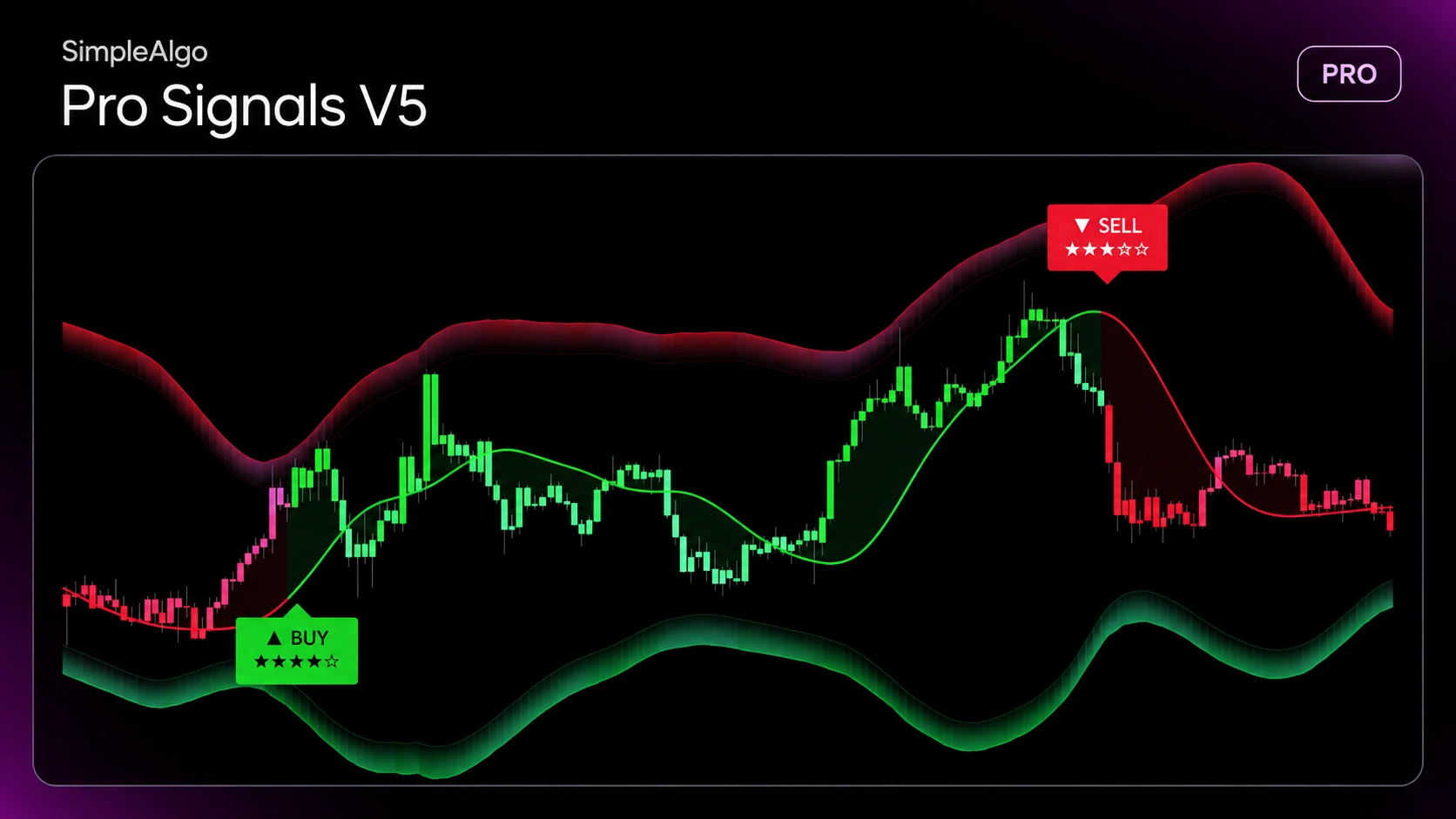
How the Pro Signals V5 5-Star Signal Rating Works
A signal on its own tells you the trend just turned. It doesn't tell you whether the bigger picture agrees, whether anyone is trading, or whether price is already stretched. That's what the stars are for.
When a signal fires
A BUY prints when the trend turns up and the candle closes at or above the momentum line. A SELL is the mirror. Then the signal is rated on that candle.
The five checks
Each check passed is one star. Hover any signal to see the list in plain words, like "★ 4H trend agrees" or "☆ Price is already in the reversal zone".
Stars never change after the signal
Higher timeframes are read from their last closed candle, and the rating is locked on the signal candle. What you see on past signals is exactly what you'd have seen live.
How to use it
If you only want strong setups, set Minimum stars to 4 and up. Your chart and alerts will only show those.
What stars are not
Stars are a checklist, not a prediction. A 5-star signal means all five conditions agreed. It doesn't mean the trade will work, which is why every signal also comes with a stop.
Full details: Signals & Stars in the docs.
SimpleAlgo provides educational tools and chart analysis. Nothing here is financial advice. Trading involves substantial risk of loss, and past performance does not guarantee future results.

Written by
Nikolas MetreveliFounder of SimpleAlgo
Nikolas wrote his first real code at 12 and freelanced software tools and websites for small businesses before finding the markets at 15. He builds and maintains every SimpleAlgo indicator and writes these guides from hands-on use of the tools.
More about Nikolas and SimpleAlgoRelated Articles
Pro Signals V5 Update: Star-Rated Signals, the Why, and a Built-In Trade Plan
The biggest update to Pro Signals V5 yet. Every signal now comes with a 5-star rating, the reasons behind it, and a stop with three targets. Here's everything that changed.
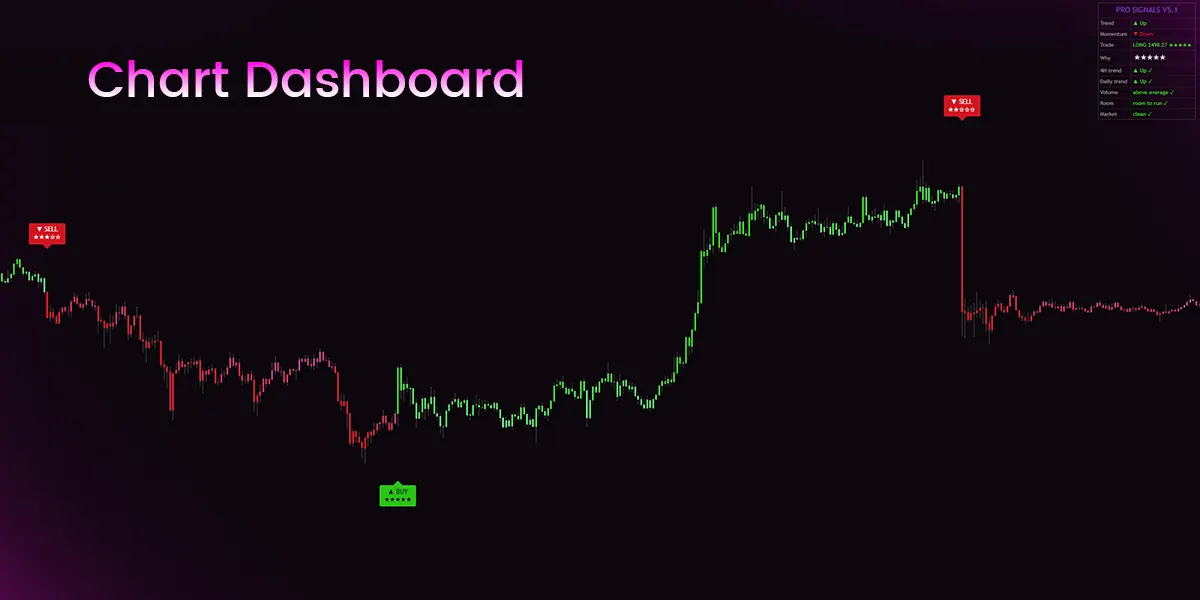
Reading the Pro Signals V5 Chart Dashboard, Row by Row
Trend, momentum, the open trade, its stars and the five checks: what every row of the Pro Signals V5 Chart Dashboard tells you.

How to Use Multiple Timeframes on TradingView
Set up a top-down workflow with multi-chart layouts, synced symbols and higher-timeframe data on one chart — without ending up with six contradicting opinions.
Related tools and guides
Next steps on this topic from the rest of the SimpleAlgo library.