Simple Oscillator Pro
Is momentum with you or against you? One pane answers it at a glance, and tracks the fuel left in your trade.
Included with every SimpleAlgo subscription. See plans
About Simple Oscillator Pro
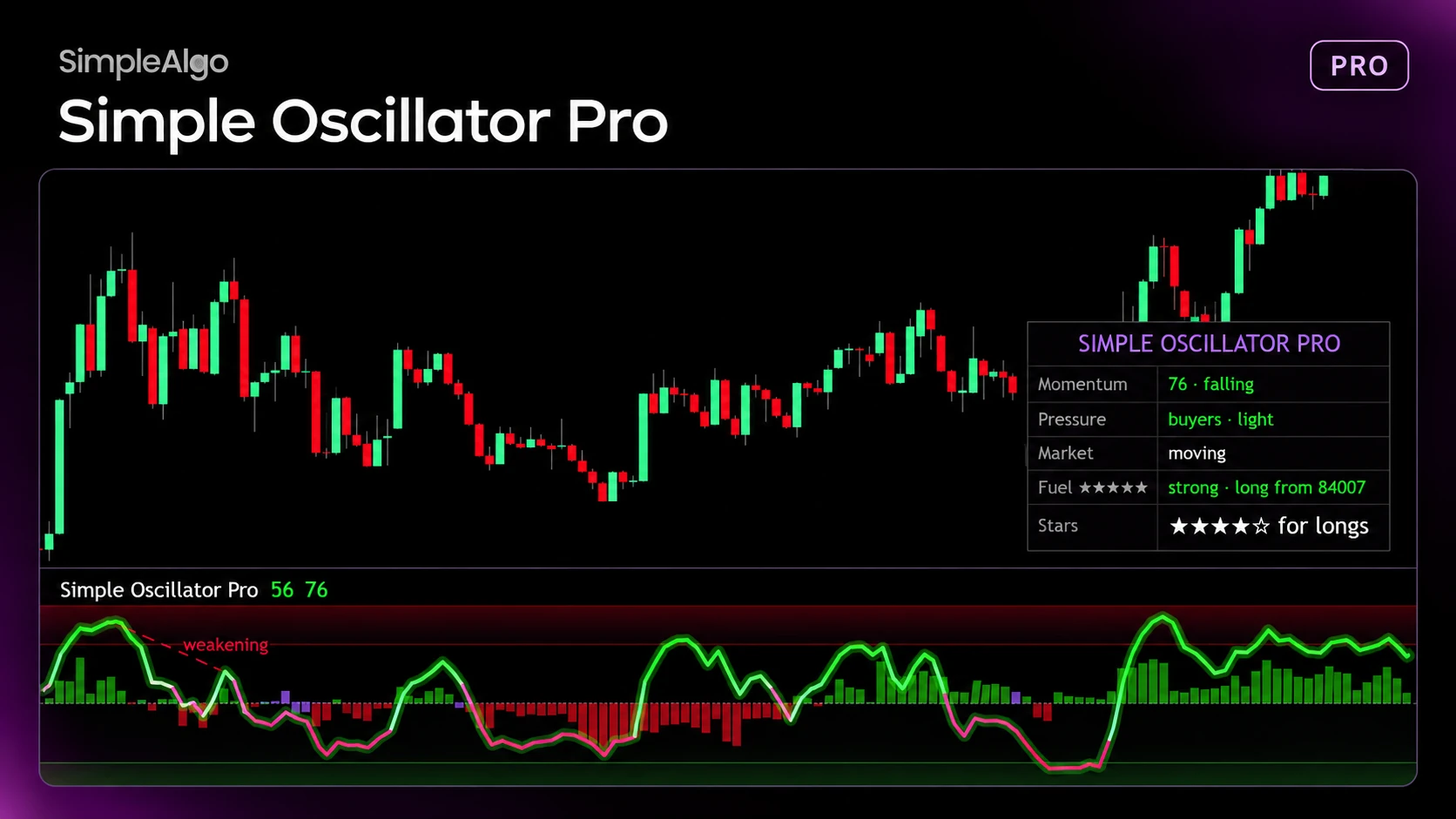
Simple Oscillator Pro sits in its own pane under your chart. The Momentum Line runs from 0 to 100: above 50 momentum is up, below 50 it's down, and 80 or 20 means price is stretched. Pressure columns show whether buyers or sellers are pushing on recent candles.
It runs on the same trend engine as Pro Signals V5, so the two agree when they use the same Signal Mode. It rates the current trend with the same five star checks, and Trade Fuel tells you when momentum is fading or empty so you can manage an open trade. It also works on its own.
Dots, labels, trade tracking and alerts only happen on closed candles, so they don't repaint.
What it does
- Momentum Line from 0 to 100 with stretched Zones at 80 and 20
- Pressure columns showing buyers or sellers in control
- Live 1 to 5 star rating from the same checks as Pro Signals
- Trade Fuel: Strong, Fading or Empty for the open trade
- Weakening labels when a push is weaker than the last one
- Optional Coiling, Momentum Shifts, Trend Strip and Trend Background
- Dashboard and one alert for every event
How you get access
- 1Start a SimpleAlgo subscription. Every plan includes every premium indicator.
- 2Enter your TradingView username in the Member Hub.
- 3Simple Oscillator Pro appears in your Invite-Only Scripts on TradingView, usually within minutes.
Pairs well with
Pro Signals V5
PremiumOur flagship indicator, now with a major update. Star-rated buy and sell signals with the reasons, an automatic stop and three targets, and a full set of trend, reversal and smart money tools.
Simple Screener Pro
PremiumScan your watchlist at a glance and see which symbols are trending up or down right now.