SimpleAlgo AI Dashboard: Your Complete Trading Command Center
Discover how the SimpleAlgo AI Dashboard revolutionizes chart analysis with AI-powered insights, automated pattern recognition, and intelligent trade suggestions.

SimpleAlgo AI Dashboard: Your Complete Trading Command Center
The SimpleAlgo AI Dashboard is the ultimate tool for traders who want to leverage artificial intelligence to analyze charts, identify patterns, and receive actionable trade ideas—all in one place.

What is the AI Dashboard?
The AI Dashboard is a powerful web application that combines advanced machine learning with our proprietary trading algorithms to give you:
Key Features
1. Chart Upload & Analysis
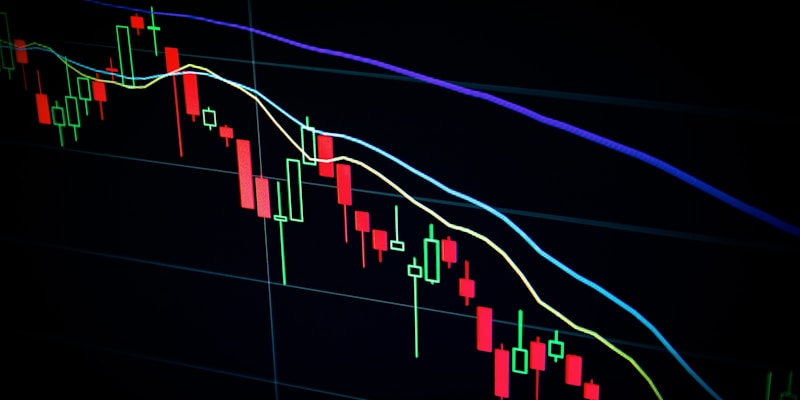
Simply upload a screenshot of any chart from TradingView, and our AI will analyze:
2. Real-Time Signal Detection
The AI Dashboard identifies signals from SimpleAlgo indicators:
3. Risk Management Tools
Every analysis includes:
4. Trading Journal Integration
Track your trades directly in the dashboard:
How to Use the AI Dashboard
Step 1: Access the Dashboard
Log in to your SimpleAlgo account and navigate to the AI Dashboard from the member portal.
Step 2: Upload Your Chart
Click "Upload Chart" and select a screenshot from TradingView with SimpleAlgo indicators applied.
Step 3: Review the Analysis
The AI will process your chart and provide:
Step 4: Execute with Confidence
Use the AI insights alongside your own analysis to make informed trading decisions.
Pro Tips for Maximum Results
What Members Are Saying
"The AI Dashboard has completely changed how I analyze charts. I can now review 10x more setups in the same amount of time." - Michael T.
"The pattern recognition is incredibly accurate. It spots things I would have missed." - Sarah K.
Get Started Today
The AI Dashboard is included with all SimpleAlgo memberships. Start using AI to enhance your trading today!

Written by
Nikolas MetreveliFounder of SimpleAlgo
Nikolas wrote his first real code at 12 and freelanced software tools and websites for small businesses before finding the markets at 15. He builds and maintains every SimpleAlgo indicator and writes these guides from hands-on use of the tools.
More about Nikolas and SimpleAlgoRelated Articles

Momentum Oscillators: Overbought, Oversold, and Divergence
Learn how momentum oscillators display overbought and oversold conditions, highlight divergence and add context to chart analysis.
SimpleAlgo Buy & Sell Signals: How They Work
Learn how SimpleAlgo generates buy and sell signals, how to interpret them, and how to combine them with other indicators as part of your analysis.

Mastering the SimpleAlgo Trend Cloud
The Trend Cloud is your visual guide to market direction. Learn how to use it for trend identification, entries, exits, and filtering trades.
Related tools and guides
Next steps on this topic from the rest of the SimpleAlgo library.